| Specifications | Details |
|---|---|
| Product Highlights | Compact A3 scanner with fast scan speed and a straight-through paper path to feed thick or exceptionally long documents |
| Throughput Speeds * | 120 ppm / 240 ipm |
| Feeder Capacity | Up to 500 sheets of 80 g/m² (20 lb.) paper |
| Connectivity | 10/100/1000 Ethernet USB 3.2 Gen 1×1 Compatible |
| Maximum Document Size | 305 mm x 4.06 m (12 in. x 160 in.) |
| Minimum Document Size | 63.5 mm x 71.1 mm (2.5 in. x 2.8 in.) |
| Paper Thickness & Weight | 34–433 g/m² (9–160 lb.) paper |
| Maximum Optical Capture Resolution | 600 dpi |
| Accessories & Consumables | Carrier Sleeves (5 Pack), Document Extenders, Feeder Consumables Kits, KODAK A3 Size Flatbed Accessory, KODAK Enhanced Printer Accessory, Printer Ink Cartridge and Carrier, Rear Exit Tray Accessory |
| Acoustical Noise | Off or Ready mode: < 20 dB(A) Scanning: < 65 dB(A) |
| Approvals and Product Certifications | Argentina (S mark) Australia/New Zealand (RCM) Canada (cTUVus & ICES-003) China (CCC) European Union (CE) European Union (GS Mark) India (BIS) Japan (VCCI) Mexico (NOM) Russia/Eurasian Economic Union (EAC) South Korea (KC) Taiwan (BSMI) US (cTUVus & FCC) |
| Barcode Reading | Codabar, Code 128, Code 3 of 9, EAN-13, EAN-8, Interleaved 2 of 5, PDF417, QR, UPC-A, UPC-E |
| Bundled Software | Capture Pro Limited Edition, Smart Touch |
| Data Security | This scanner processes scanned data exclusively through volatile memory ensuring image data is effectively erased upon shutdown. |
| Dimensions & Weight | Size with tray in the upright position: Height: 295 mm / 11.6 in Width: 457.2 mm / 18 in. Depth: 370.8 mm / 14.6 in. Weight: 16.5 kgs / 36.29 lbs |
| Electrical Requirements | 100-240 V (International); 50-60 Hz |
| Environmental Certification | 2008 EuP, ENERGY STAR Qualified, EPEAT Gold |
| File Format Outputs | BMP, JPEG, Single-page TIFF, Microsoft Excel, Microsoft Word, Multipage TIFF, PDF, Text searchable PDF, PNG, RTF |
| Image Output Resolution Options | Up to 1200 dpi |
| Network Protocols | DHCP (or static IP), TCP/IP |
| Operating System Compatibility | Windows 11 (64-bit) Windows 10 (32- and 64-bit) Windows Server 2012 R2 X64 Editions Windows Server 2016 X64 Editions Windows Server 2019 X64 Editions Windows Server 2022 X64 Editions Ubuntu 20.04 64-bit Ubuntu 18.04 64-bit Open SUSE Leap-15.2 & 13.1 SUSE Enterprise Desktop-15.2 & 12.4 SUSE Linux Enterprise Desktop 12 SP2 64-bit Neokylin V7 (x86/x64 & MIPS only) (Available only in China) UOS (x86/x64 & MIPS only) (Available in China only) Kylin 10 (x86/x64 & MIPS only) (Available in China only) |
| Operating Temperature / Operating Humidity | Operating Temperature: 10-35° C (50-95° F) Operating Humidity: 15% – 80% RH |
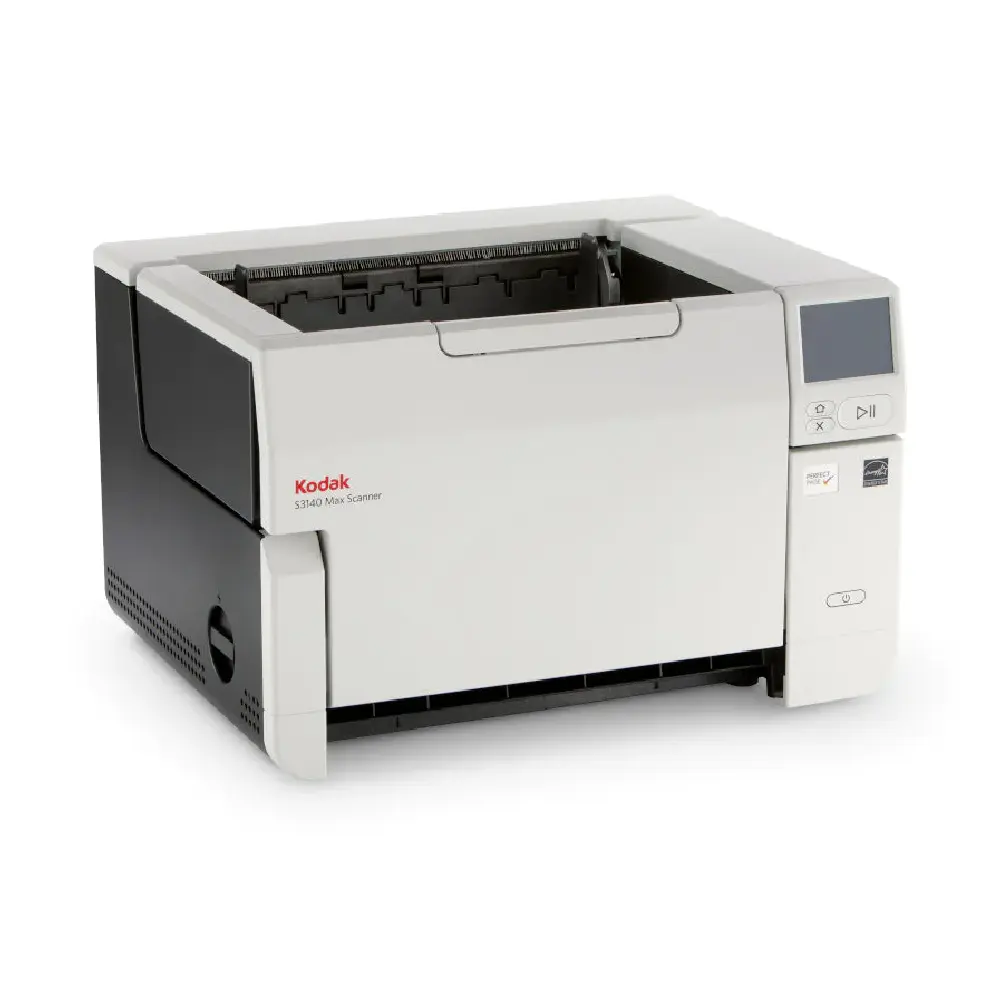
| Operator Control Panel | 3.5 inch (89 mm) graphical color touchscreen LCD with operator control buttons |
| Optional Software | Capture Pro Software, Info Input Solution |
| Paper Path Options | Documents can exit into the front output tray, or at the rear of the scanner if the straight-through paper path option is manually selected |
| Paper Handling (SurePath) Features | Controlled stacking, Enhanced jam recovery, Intelligent Document Protection, Interactive Operator Control Panel (OCP), Length Multifeed Detection, Rear exit, Ultrasonic Multifeed Technology |
| Perfect Page Image Enhancement Software | Adaptive threshold processing Add or remove border Aggressive cropping Auto white balance Autocrop Automatic Brightness/Contrast Automatic color balance Automatic color detection Automatic orientation Automatic photo cropping Background color smoothing Barcode reading Black and white image segmentation Brightness and contrast adjustment Color-on-the-fly toggle patch Content-based blank page removal Continuous Scanning Mode Deskew Digital stamping Dual stream scanning Electronic color dropout Enhanced color adjustment Enhanced color management Fixed cropping Fixed thresholding Halftone removal Image edge fill Image hole fill Image merge Image split Interactive multifeed with image display on host iThresholding Lone Pixel Noise Removal Majority rule noise removal Multicolor dropout Multi-lingual auto orientation Orthogonal rotation Output Compression – CCITT Group IV, JPEG, Uncompressed Output Rear side printer Relative cropping Sharpening Sleeve scanning (for scanning A3 documents or multiple small documents) Snap to Size Streak filtering |
| Power Consumption | Running: less than 50 watts Sleep Mode: less than 4 watts Standby: less than 0.3 watts |
| Recommended Daily Volume | Up to 100,000 pages per day |
| Recommended PC Configuration | Intel Core i3, running @ 3.5 GHz or higher, USB port 3.0 (Super Speed) or 2.0 (High Speed), 3.43 GB RAM or more |
| Scanning Technology | Dual RGB LED Illumination CIS (CMOS); Grayscale output bit depth is 256 levels (8-bit); color output bit depth is 24 bits (8 x 3); color capture bit depth is 48 bits (16 x 3) |
| Standard Software And Drivers | ISIS Drivers, LINUX (TWAIN and SANE) Drivers, TWAIN Drivers, WIA Drivers, Citrix certified, KOFAX certified |



Document Scanner
Sales Enquiry
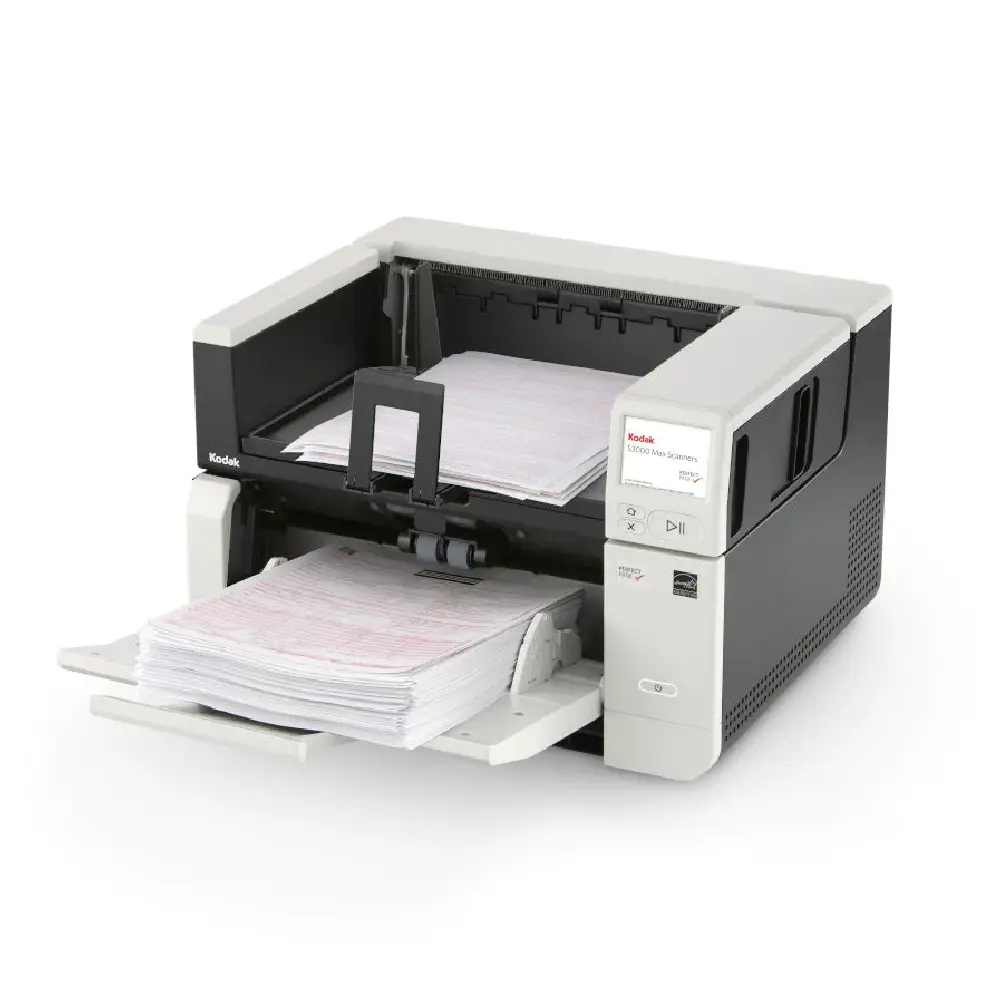
Kodak S3120 Max Scanner
- RESOLUTION: 600 dpi
- SPEED : 120 ppm / 240 ipm
- DAILY VOLUME: Up to 100,000 pages per day
- CONNECTIVITY: 10/100/1000 Ethernet, USB 3.2 Gen 1×1 Compatible
Compatible with optional accessories
Overview
Perfect Page Image Quality
Image quality and accuracy are critical for OCR, searchable PDFs, and successful barcode reading. Perfect Page Technology turns even poor-quality originals into crisp images. Features such as streak removal, background smoothing, and image edge fill automatically enhance image quality. Minimize manual work and make your data ready for RPA (Robotic Process Automation) systems to further streamline repetitive tasks and free up your workforce.
- Maximize data readability, OCR accuracy, automation rate, file transportation, and capture speed.
- Minimize file size, storage costs, data loss, and total cost of processing.
Smooth Document Handling
Adjustable feeders and a straight-through paper path deliver fast, smooth, and safe document handling.
Benefits include:
- Minimal misfeeds reduce the total time spent at the scanner.
- Intelligent document protection reduces document damage and lost data.
Built-in Intelligence
The S3000 Max Series Scanners deliver the best possible image quality directly from within in the device, and without any impact on the rated speed of the scanner. Our powerful embedded processor significantly reduces the load requirements on your PC. And, our intelligent barcode reading technology produces the most accurate data extraction results and makes document prep fast and easy.
Share Data at the Touch of a Button
Scanned documents often need to be distributed to individuals, teams, or systems for action, automation, or storage. With other systems, this is a multi-step process of scanning to a PC, finding the file, renaming the file, attaching it to an email, or opening and finding a location in a system.
The KODAK S3000 Max Series Scanners have an intuitive color touchscreen and it’s easy to configure personalized buttons for multiple users. Our Smart Touch technology is included, so you can get your data where it needs to be with the simple push of a button, speeding up your scanning workflows and minimizing the post-scan steps that are required with other solutions.
Related products
-
Document Scanner
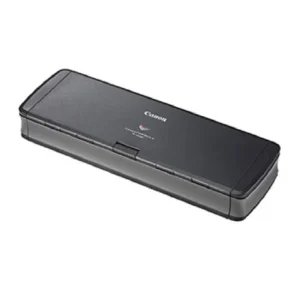
CANON ImageFormula P-215 II Document Scanner
-
Document Scanner
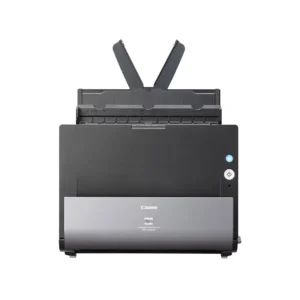
Canon imageFORMULA DR-C225W II Wireless Document Scanner
-
Document Scanner
Canon imageFORMULA DR-C225W Document Scanner
-
Document Scanner
Canon Scanfront 400 Document Scanner