| Specification | Details |
|---|---|
| Model | ET ULTRA |
| Sensor | CMOS |
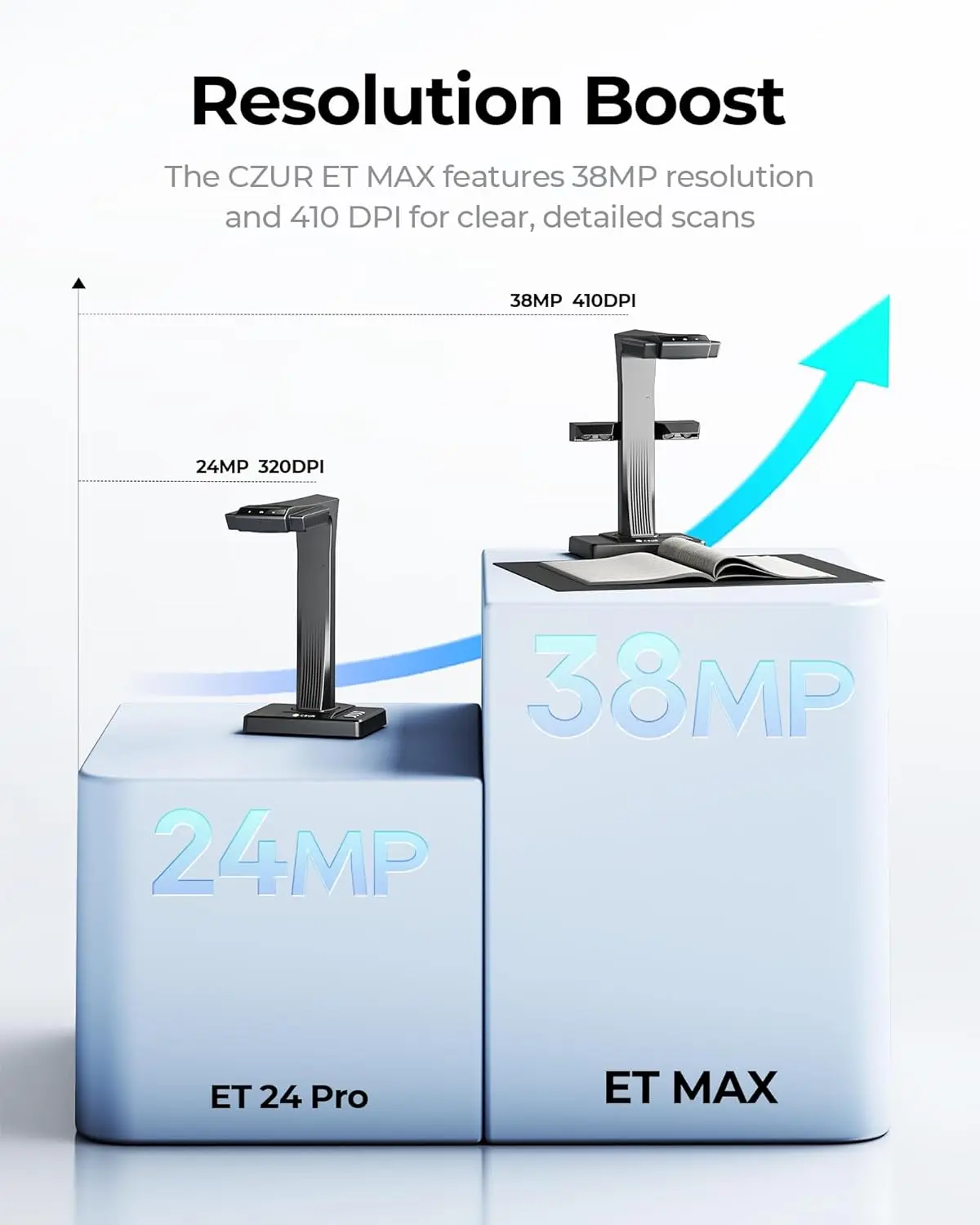
| Pixel | 40 Megapixels |
| Resolution | 7296 × 5472 |
| DPI | 420 |
| Scanning Area | Flat single page ≤ A3; Books ≤ A4 |
| Scanning Thickness | Flat single page ≤ 1.5s/page Books ≤ 1.5s/dual pages |
| Output Formats | JPG, PDF, TIFF |
| Export Formats | JPG, PDF, Searchable PDF, Word, Excel, TIFF |
| Video Format | MJPG |
| Preview Resolution | 1920 × 1080 @20FPS 1280 × 720 @20FPS |
| Visual Presenter Output | 3840 × 2160p @30Hz 1920 × 1080p @60Hz / 50Hz 1920 × 1080i @60Hz / 50Hz 1280 × 720p @60Hz / 50Hz 720 × 576p @50Hz |
| Light Source | Top LED Lights & Side Lights |
| Focus | Fixed Focus |
| Scanning Control | Device Control, Software Triggering, Hand Button, Foot Pedal |
| Color Modes | Color, Patterns, Stamps, Grayscale, B&W |
| Image Processing | Flattening Curve, Smart Paging, Smart Tilt Corrections, Auto-Cropping, Professional Trimming, Background Purifying, Finger Removal |
| OCR | Yes (Supports 180+ Languages) |
| USB | USB 2.0 High-Speed |
| HDMI | HDMI 1.4 |
| Power | Input: 100–240V 50/60Hz; Output: 9V / 1.5A |
| Processor | Dual Core OpenRISC 32-bit |
| Memory | Hi-Speed DDR |
| LCD | 2.4” Display, 320 × 240 |
| Product Color | Black |
| Product Dimensions | 375 × 220 × 390 mm (L × W × H) |
| Net Weight | 1.5 kg |
| Package Contents | Scanner, Side Lights, USB Cable, Power Adapter, Hand Button, Foot Pedal, Black Document Pad, Finger Cots, CD, User Manual, Warranty Card, Quality Certificate |




Document Scanner
Sales Enquiry
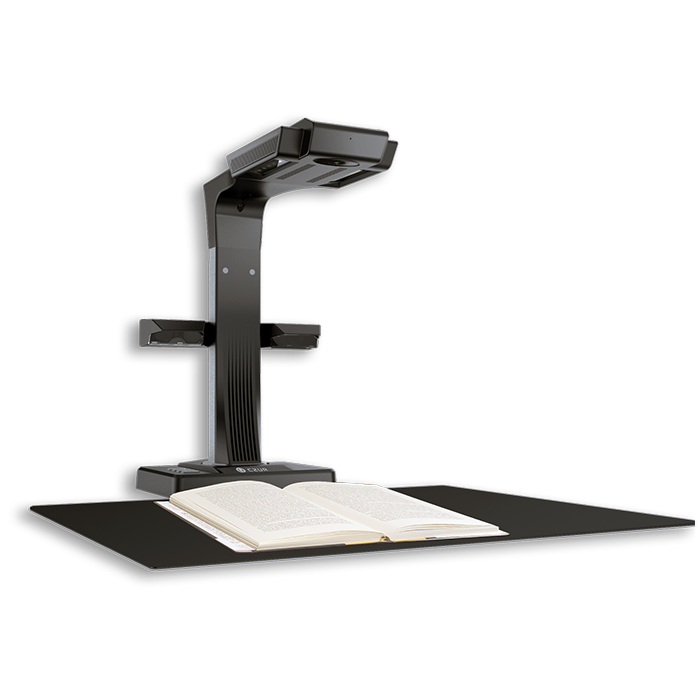
CZUR ET Ultra
- Scan Bound Book
- Two Pages in 1.5s
- Flattening Curve
- Edit Text with OCR
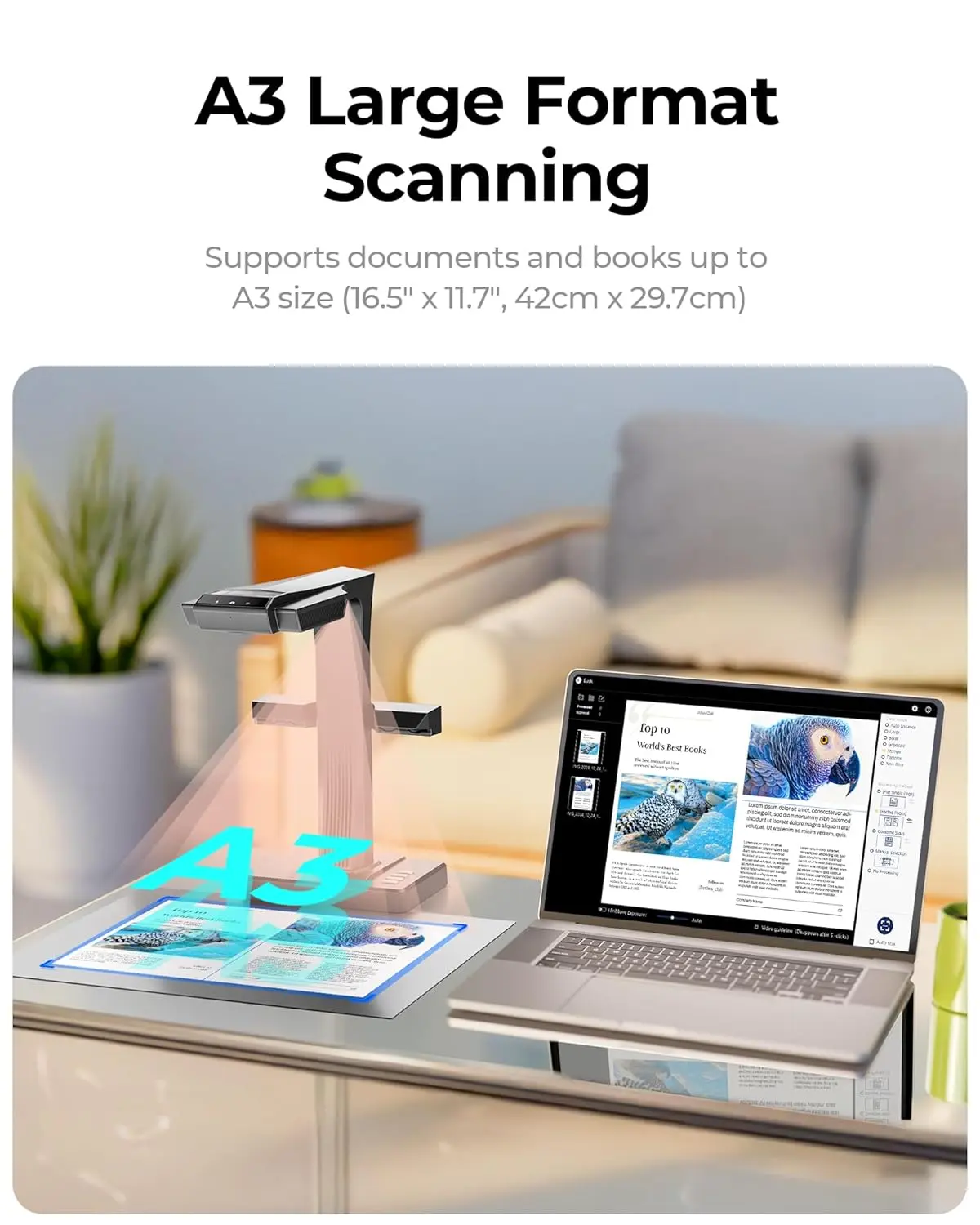
- Up to A3 Size
- Bar Code & QR Recogmition
- Combining the Front & Back Sides
- Visual Presenter
- HDMI Port
Overview
The CZUR ET Ultra is a powerful, intelligent overhead scanner designed to digitize documents, books, and visual content with speed, accuracy, and ease. Built for professionals, educators, offices, and institutions, it combines high-resolution scanning, advanced OCR, and visual presenter capabilities into one compact device.
With support for up to A3 size scanning, fast dual-page capture, and smart image correction technologies, the ET Ultra transforms physical documents into clean, editable digital files in seconds—without damaging books or originals.
Smart & Efficient Scanning
CZUR ET Ultra enables bound book scanning with automatic page flattening and page-turn detection, capturing two pages in just 1.5 seconds. Intelligent features like smart tilt adjustment, auto-cropping, and finger removal ensure professional results with minimal manual effort.
The scanner can also combine front and back sides, making it ideal for certificates, IDs, and double-sided documents. Batch PDF generation further speeds up large scanning tasks.
Advanced OCR & Recognition
Powered by OCR technology supporting over 180 languages, CZUR ET Ultra converts scanned images into searchable and editable documents. It also supports barcode and QR code recognition, along with smart cutting and splitting for multiple business cards in a single scan.
Damaged or irregular pages are automatically optimized using intelligent page completion, ensuring clarity and readability.
Visual Presenter & Collaboration Ready
Beyond scanning, the ET Ultra functions as a visual presenter, making it perfect for classrooms, meetings, and remote collaboration. With an HDMI output, it can project real-time visuals directly to screens and is compatible with Zoom for online presentations and document sharing.
Designed for Multiple Work Environments
CZUR ET Ultra fits seamlessly into a wide range of professional scenarios, including:
-
Labs & Research Centers
-
Libraries & Archives
-
Home Offices
-
Accounting & Finance Departments
-
HR & Administration
-
Classrooms & Presentation Rooms
Whether scanning books, magazines, blueprints, receipts, newspapers, or official documents, the ET Ultra delivers consistent, high-quality results.
Built for Productivity
With features like auto-scan, batch PDF creation, side lighting for shadow reduction, and document sharing support, CZUR ET Ultra is engineered to save time while improving workflow efficiency.
Related products
-
Document Scanner
Canon imageFORMULA DR-M140 Scanner
-
Document Scanner
Canon imageFORMULA DR-F120 Document Scanner
-
Document Scanner
CANON IMAGEFORMULA DR-6030C Document Scanner
-
Document Scanner
Kodak Scan Station 730EX Plus Scanner