
| Specification | Details |
|---|---|
| OPERATING SYSTEM | Windows 7, Windows 8.1, or Windows 10 or above; Mac OS 10.10 or above; Google™ Chromebook™ Version 38.0 or above |
| SYSTEM REQUIREMENT | CPU Recommended: 2.4 GHz Intel Core 2 Duo processor or above; RAM Recommended: 2 GB RAM or above |
| OPTICAL SYSTEM | Working Surface: 400mm x 300mm; Focus: Auto (From 10cm to 2m) |
| CAMERA | Sensor: 1/3.2″, CMOS (Sony IMX179); Field of View (FOV): 77° ±3° (Viewable Diagonal); White Balance: Auto, Manual |
| AUDIO | Microphone: Built-in |
| SUPPORTED VIDEO FORMAT | Color System Compression: MJPEG /YUY2; Max. Resolution Video: 3264 x 2448 @30 fps, 2592 x 1944 @30 fps, 2048 x 1536 @30 fps, 1600 x 1200 @30 fps, 1920 x 1080 @30 fps, 1280 x 720 @30 fps, 1024 x 768 @30 fps |
| CONNECTIVITY | USB: 2.0 |
| DIMENSIONS | Physical (W x H x D): 255 x 85 x 70 mm (10.04 x 3.35 x 2.76 inches); Packaging (W x H x D): 289 x 115 x 83 mm (11.38 x 4.53 x 3.27 inches) |
| WEIGHT | Physical (Net): 0.4 kg (0.88 lbs); Packaging (Gross): 0.6 kg (1.32 lbs) |
| REGULATIONS | Compliance Certification: EMC: FCC-A, CE / Safety: LVD |
| PACKAGE CONTENTS | 1. VB-VIS-002; 2. Quick start guide; 3. Anti-Glare Sheet x14; 4. Microscope/adapter/accessories x1 set (adaptor Ø33/34mm x1, Rubber Ø28mm x1, Rubber Ø31mm x1) |
Video Conferencing Solutions
Sales Enquiry
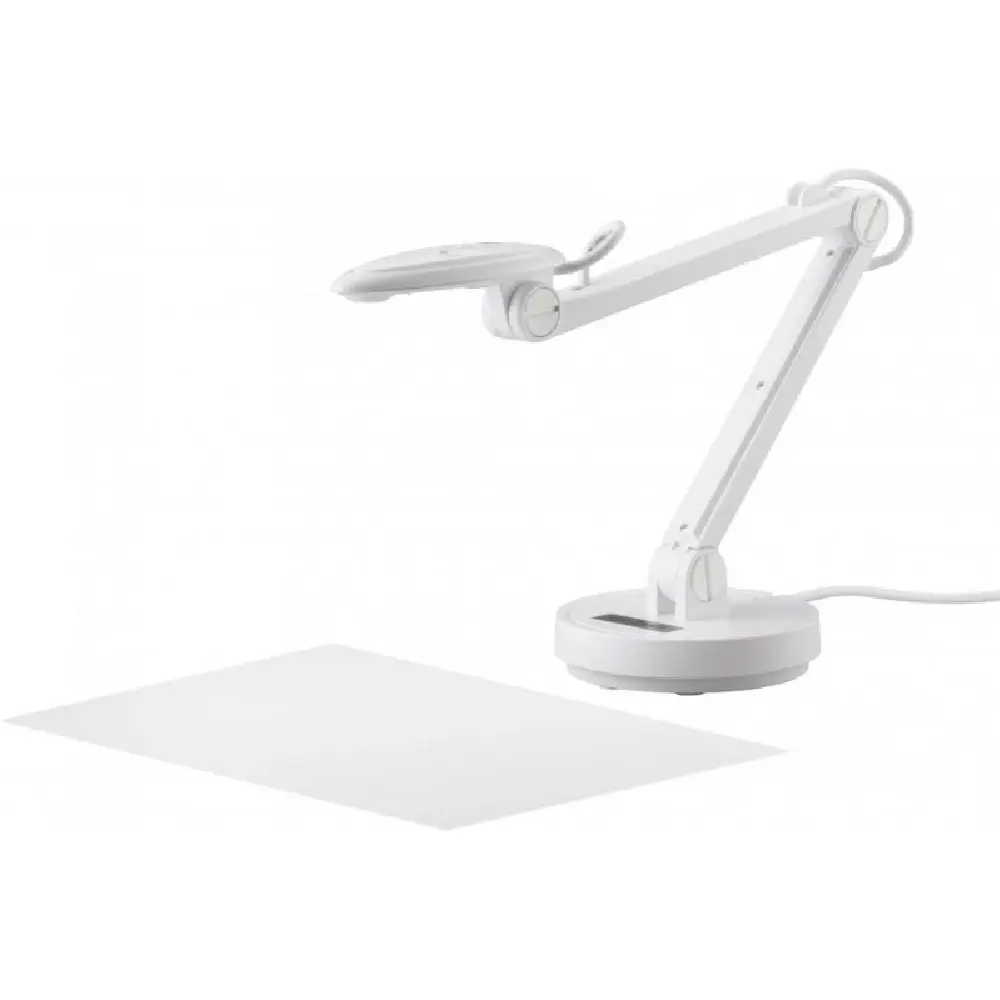
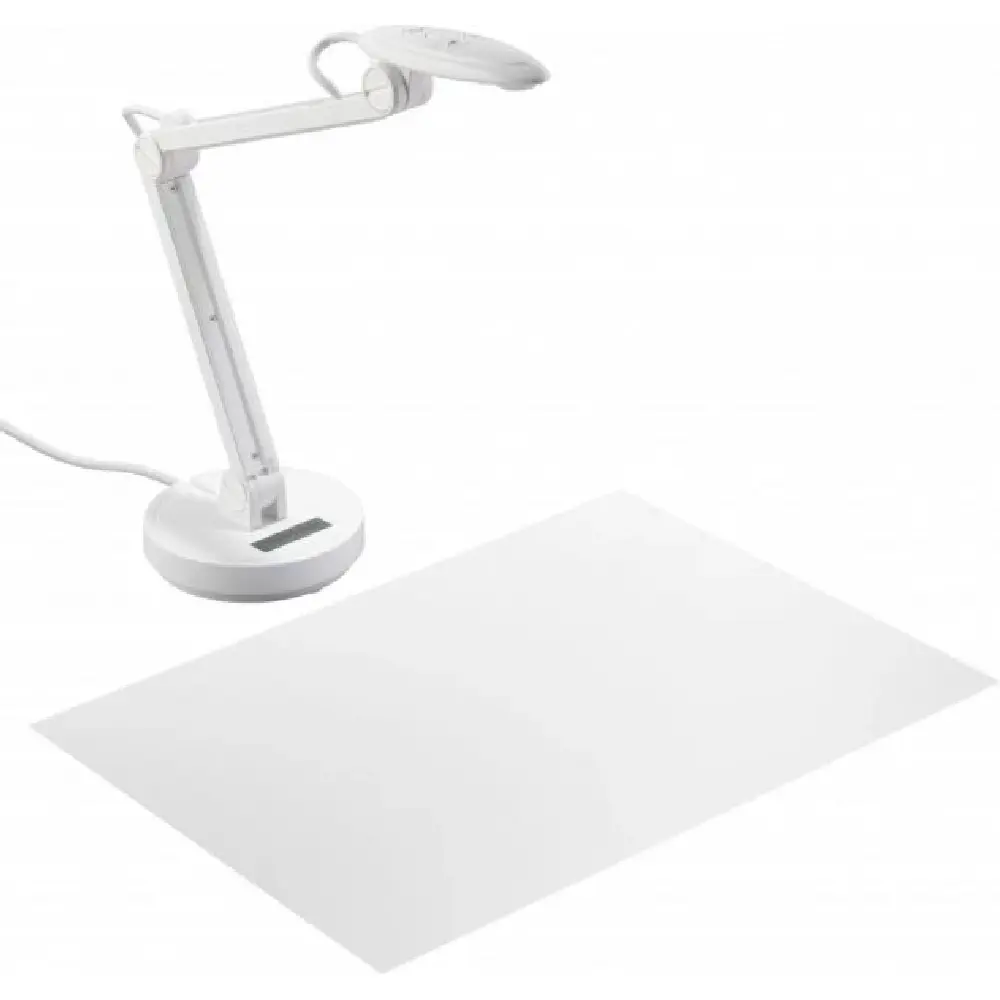
Viewsonic VB-VIS-002
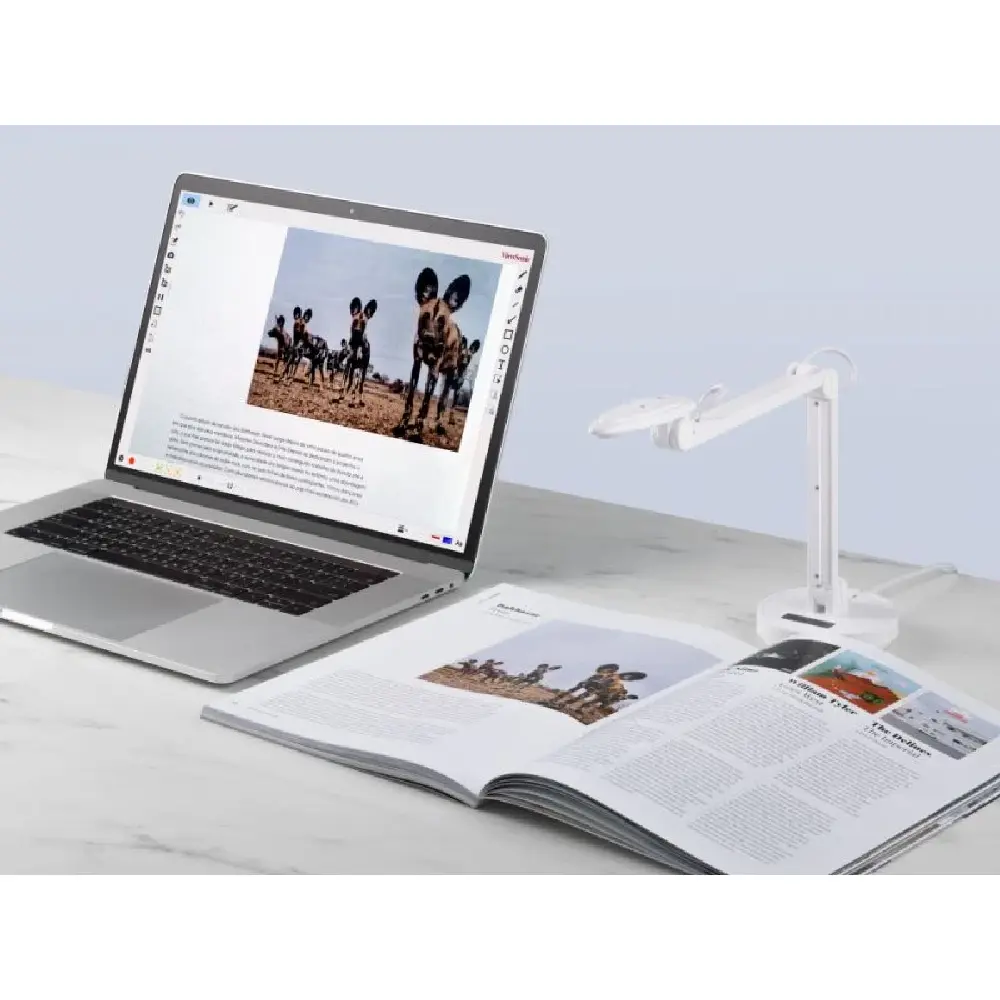
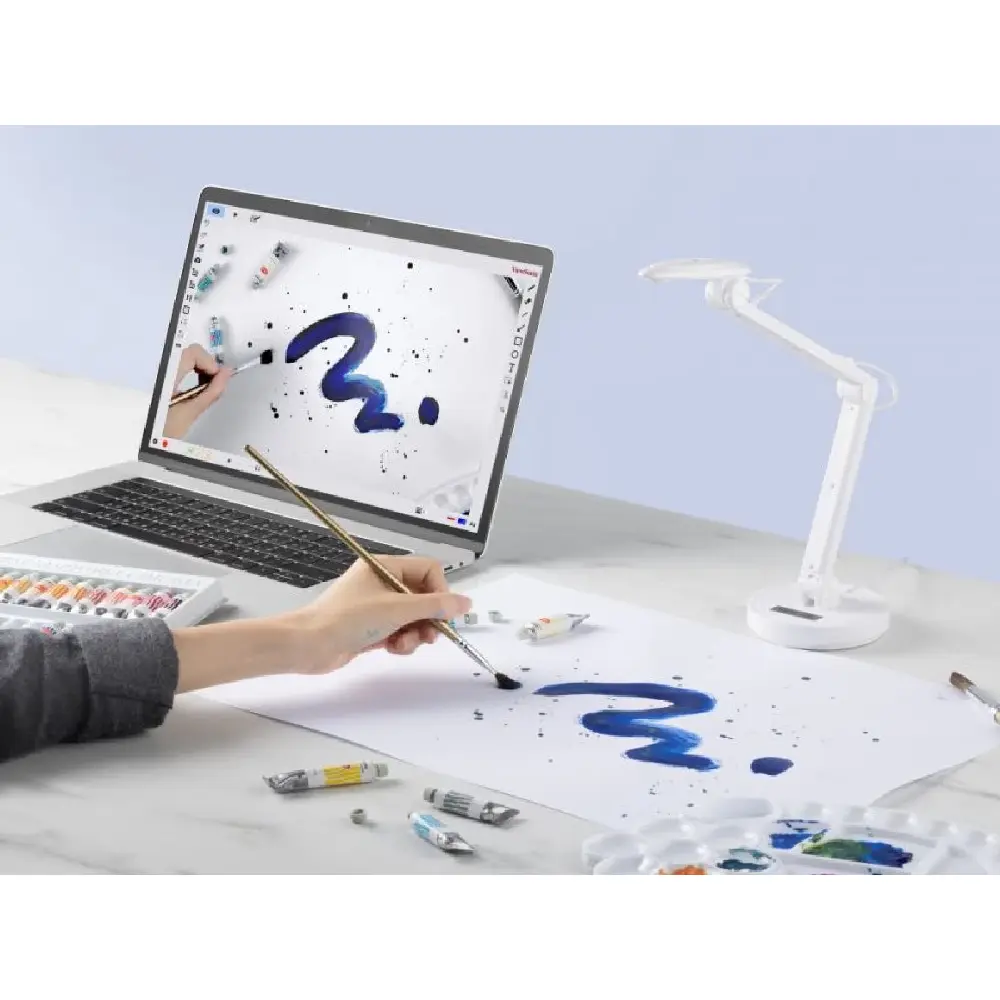
Move the classroom forward into the future with ViewSonic VB-VIS-002, a document and web camera built for more immersive, engaging lessons. Demonstrate and display physical teaching materials in detail effortlessly to a virtual classroom with an 8-megapixel autofocus camera and 8x digital zoom. Scan, record or livestream worksheets, textbooks and even 3D models of up to A3 in size and annotate on them in real time. Pair the lightweight and portable VB-VIS-002 with a laptop or large touchscreen display via a USB cable and turn your classes into an interactive collaboration.
Overview
Dynamic, instant autofocus
Switch from static to moving images without losing picture clarity or your students’ attention. The ViewSonic Document Camera’s auto-focusing lens intuitively sharpens any material as close as 10cm. Equipped with built-in microphone, you can deliver in-class demonstrations or livestreams in razor-sharp and crystal-clear quality.

Pixel-perfect and close-up ready
Capture every detail of a science diagram in high resolution with an up to 8-megapixel camera. Designed with an 8X digital zoom, you can magnify the images onto large screens for a more immersive learning experience. Record or livestream your lessons in buttery-smooth 30 FPS and stunning 1920 x 1080 Full High-Definition quality.

Edge-to-edge coverage
With coverage of up to A3 in size (12 x 16″, 300 x 400mm), the ViewSonic Document Camera scans ledger-sized documents, textbooks, arts and crafts canvases, and even 3D math manipulatives in full, including all the finest details close to the edges. Prepare for your lessons efficiently at an ultra-fast scanning speed of 1/30 second per page*. *For items smaller than A3 only.

Bring lightbulb moments to life
Integrated with a LED lamp, the ViewSonic Document Camera emits ample light to snap and display your papers and books in both bright and dark environments. The fitted anti-glare sheet erases overexposure, making sure each image is captured in its full glory.

Versatile at any angle
The lightweight, portable device is built with a foldable, retractable arm, an adjustable neck and a rotatable camera to take any image or video at a wide range of angles. At just 0.88lbs (0.4kg), you can hop from classroom to classroom without breaking a sweat.

Advanced connectivity
Compatible with Windows, Mac and Chromebook, bridge the gap between physical educational materials and digital learning spaces with ease. Simply connect the ViewSonic Document Camera with a desktop or interactive whiteboard and you can project the scanned images to a hybrid or remote classroom effortlessly.

Go beyond the display
Designed exclusively for ViewSonic Document Camera, vDocCam is a software application that elevates your teaching and learning experience. Use Live mode to capture and project the image in real time. Playback mode lets you record a video and take a snapshot and save them into your archive. Annotate over the displayed image in Drawing mode.

Dimensions & I/O Ports
 USB Cable
- Lamp Button
- Focus Button
- Brightness Adjusting Button
- Microphone
- LED Lamp
- Camera Head
- Arm Screw
Related products
-
Video Conferencing Solutions
ViewSonic VPC27-W53-O1-1B
-
Video Conferencing Solutions
VIEWSONIC VPC27-S53-01-1B
-
Video Conferencing Solutions
ViewSonic VB-CAM-201
-
Video Conferencing Solutions
ViewSonic VB-WPS-001


