| Specification | Details |
|---|---|
| Printing Method | PrecisionCore™ Print Head |
| Nozzle Configuration | 800 Nozzles Black, 800 Nozzles per Color |
| Minimum Droplet Size | 3.8 pl |
| Ink Technology | DURABrite™ ET |
| Category | Office Desktop |
| All-in-One Functions | Print, Scan, Copy, Fax |
| First Page Out | Monochrome 5.5 Seconds, Colour 6 Seconds |
| Printing Speed ISO/IEC 24734 | 25 pages/min Monochrome, 25 pages/min Colour |
| Duplex Printing Speed ISO/IEC 24734 | 21 A4 Pages/min Monochrome, 21 A4 Pages/min Colour |
| Printing Speed | 32 pages/min Monochrome (plain paper 75 g/m²), 32 pages/min Colour (plain paper 75 g/m²) |
| Printing Resolution | 4,800 x 2,400 DPI |
| Printing Volume | 66,000 pages per month |
| Recommended Duty Cycle | 200 – 3,300 pages per month |
| Colours | Black, Cyan, Yellow, Magenta |
| Double-sided scanning | Yes |
| Single-sided scan speed (A4 black) | 27.5 ipm with ADF scan, 10 sec. with flatbed scan |
| Doubled-sided scan speed (A4 black) | 11 ipm with ADF scan |
| Single-sided scan speed (A4 colour) | 9 ipm with ADF scan, 10 sec. with flatbed scan |
| Doubled-sided scan speed (A4 colour) | 6 ipm with ADF scan |
| Optical Resolution | 2,400 DPI x 1,200 DPI (Horizontal x Vertical) |
| Advanced document integration | Scan to Email, Scan to FTP, Scan to Network folders |
| Output formats | BMP, JPEG, TIFF, multi-TIFF, PDF, PNG |
| Scanner type | Contact image sensor (CIS) |
| Type of fax | Walk-up black and white and colour fax capability |
| Fax Transmission Speed | Up to 33.6kbps / Approx. 3 sec/page |
| Error correction mode | CCITU/ITU Group3 fax with Error Correction Mode |
| Fax speed dials (max) | 100 names and numbers |
| Page memory | Up to 180 pages (ITU-T No.1 chart) |
| Fax Functions | PC Fax, Fax to E-mail, Memory Reception, Auto Redial, Address Book, Broadcast Fax, Fax Preview, Polling Reception |
| Network Printing Protocols | IPP, LDP, Port 9100, WSD |
| Network Management Protocols | SNMP, HTTP, DHCP, BOOTP, APIPA, DDNS, mDNS, SNTP, SLP, WSD, LLTD, Ping |
| Network Protocol | IPv4, IPv6 |
| Interfaces | Hi-Speed USB (compatible with USB 2.0), Ethernet (100 Base-TX/10 Base-T), Wireless LAN IEEE 802.11b/g/n, Wi-Fi Direct, USB host, NFC |
| WLAN Security | WEP 64 Bit, WEP 128 Bit, WPA PSK (TKIP) |
| Paper Formats | A4 (21.0×29.7 cm), Legal, A5 (14.8×21.0 cm), A6 (10.5×14.8 cm), B6, B5, No. 10 (Envelope), DL (Envelope), C6 (Envelope), C4 (Envelope), Letter, Letter Legal |
| Automatic Document Feed | 50 pages |
| Compatible Paper Weight | 64 g/m² – 255 g/m² |
| Duplex | Yes (A4, plain paper) |
| Output Tray Capacity | 125 Sheets |
| Paper Tray Capacity | 250 Sheets Standard, 550 Sheets Maximum |
| Rear paper path (special media) | Yes |
| Number of paper trays | 3 |
| Energy Use | 19 Watt (standalone copying, ISO/IEC 24712 pattern), 0.8 Watt (sleep mode), 10 Watt (Ready), 0.2 Watt (Power off), TEC 0.14 kWh/week |
| Supply Voltage | AC 100 V – 240 V, 50 Hz – 60 Hz |
| Product dimensions | 425 mm x 500 mm x 350 mm (WxDxH) |
| Product weight | 17.8 kg |
| Compatible Operating Systems | Mac OS 10.10.x, Mac OS 10.6+, Mac OS 10.7.x, Mac OS 10.8.x, Mac OS 10.9.x, Mac OS X 10.11.x, Mac OS X 10.12.x, Mac OS X 10.13.x, Windows 10 (32/64 bit), Windows 7 (32/64 bit), Windows 8 (32/64 bit), Windows 8.1 (32/64 bit), Windows Server 2008 R2, Windows Server 2012 R2, Windows Server 2016, Windows Vista (32/64 bit), Windows XP Professional x64 Edition SP2 or later, Windows XP SP3 or later (32-bit), Windows Server 2003 R2, Windows Server 2003 SP2 or later, XP Professional x64 Edition |
| Mobile and Cloud printing services | Epson Connect (iPrint, Email Print, Remote Print Driver, Scan-to-Cloud), Apple AirPrint |
| Power supply | 220V, 240V |
| What’s in the box | 1 full set of ink (Bk – 127ml, CMY – 70ml), Driver and utilities (CD), Installation/safety manual, Main unit, Power cable, Quick Start Guide, Warranty document |
| Features | Touchscreen, Direct print from USB |
| Panel | Type: Color, Touchscreen, Diagonal: 10.9 cm |
| Media Handling | ADF 2-sided copy (A4, plain paper), ADF 2-sided fax (A4, plain paper), ADF 2-sided scan (A4, plain paper), Automatic duplex (A4, plain paper) |
| Warranty | 12 months Carry in, 200,000 pages |
| Emulations | PCL3, PCL5c, PostScript 3 |
| Black yield | 4,500 pages |
| Colour yield | 2,800 pages |
Printer
Sales Enquiry
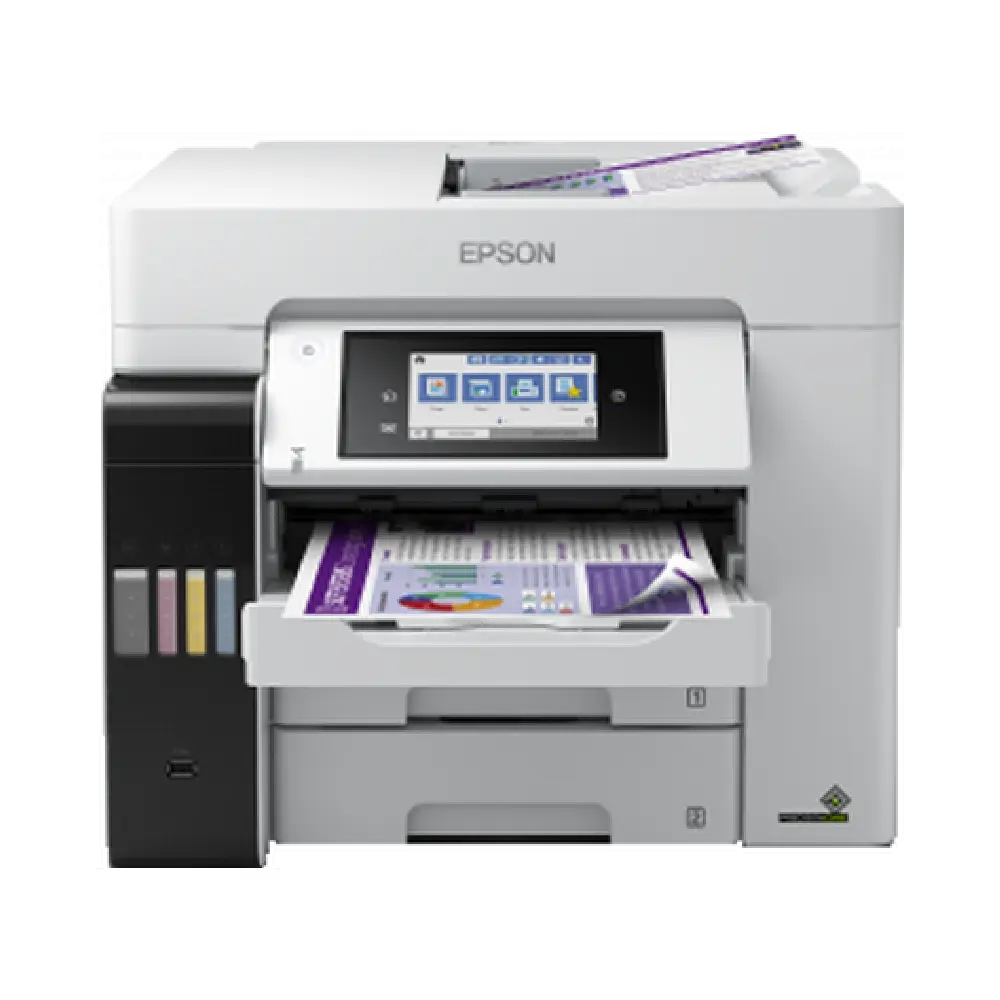
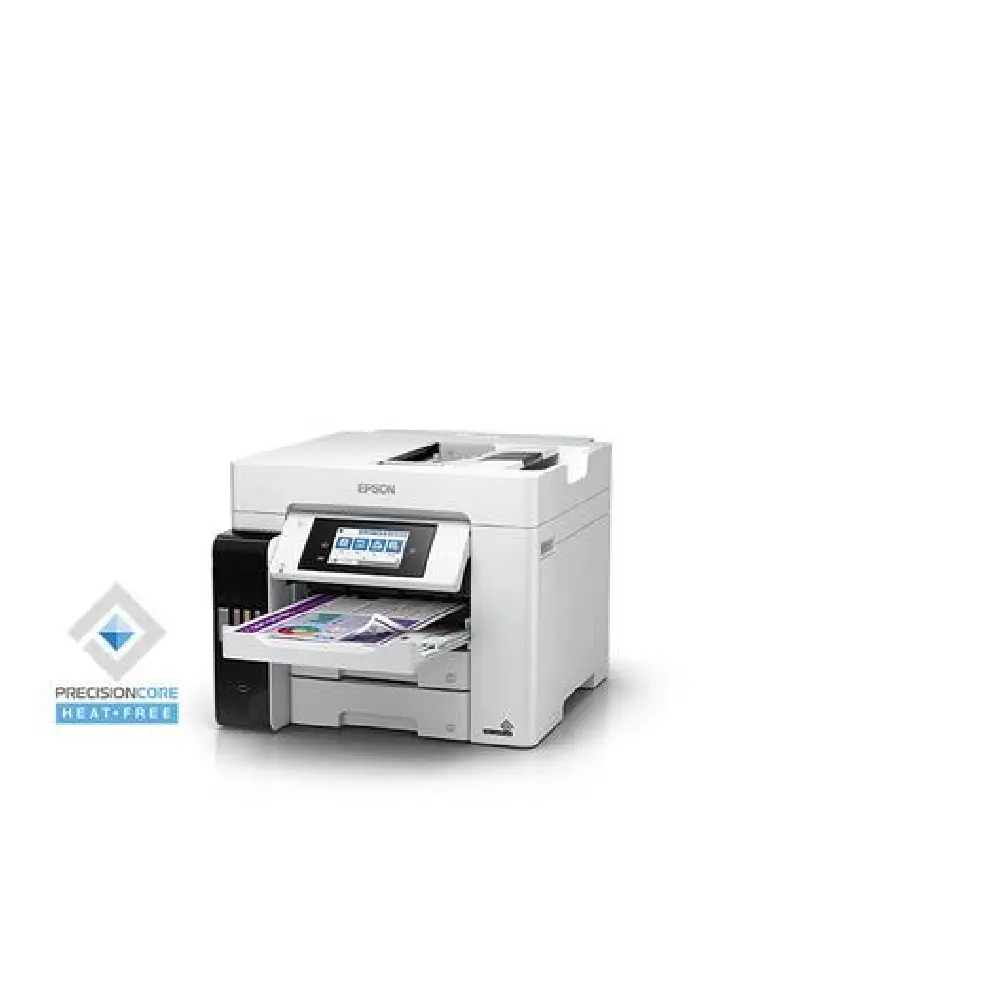
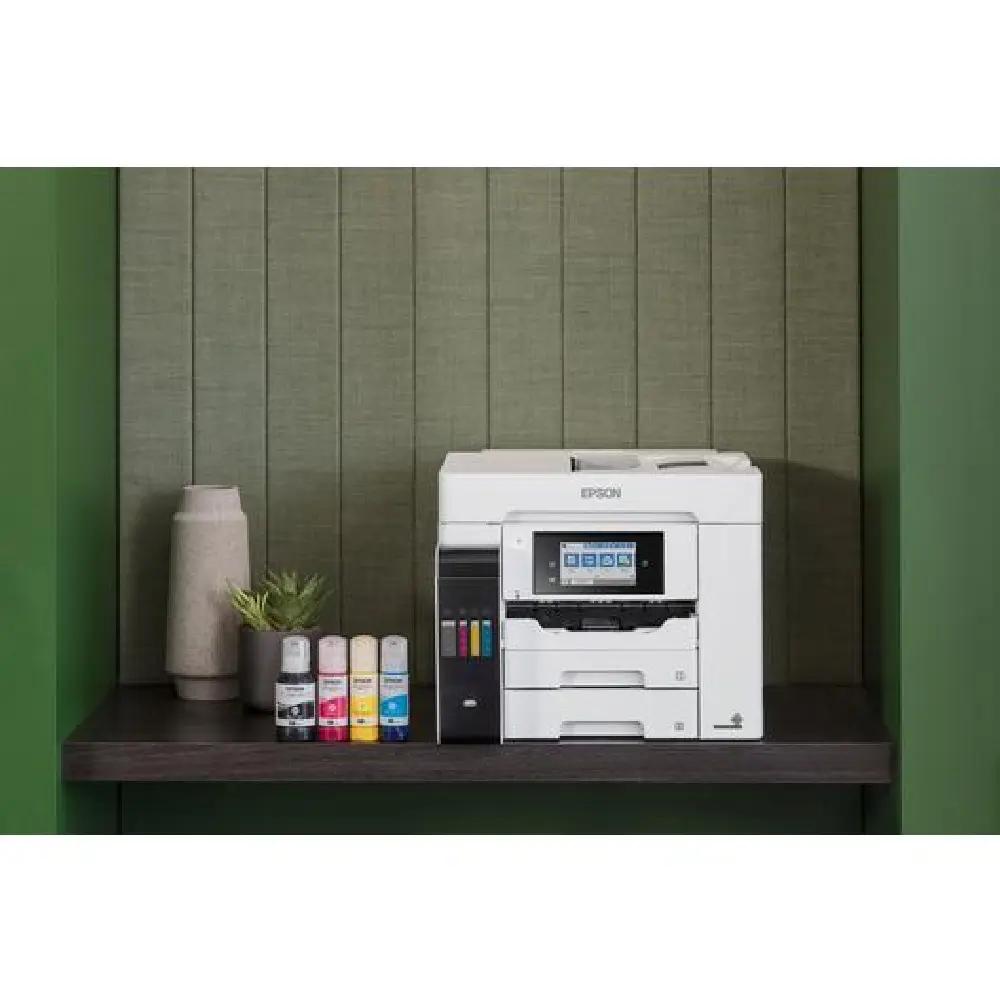
Epson EcoTank Pro L6580 mfp
Ultra-low cost printing
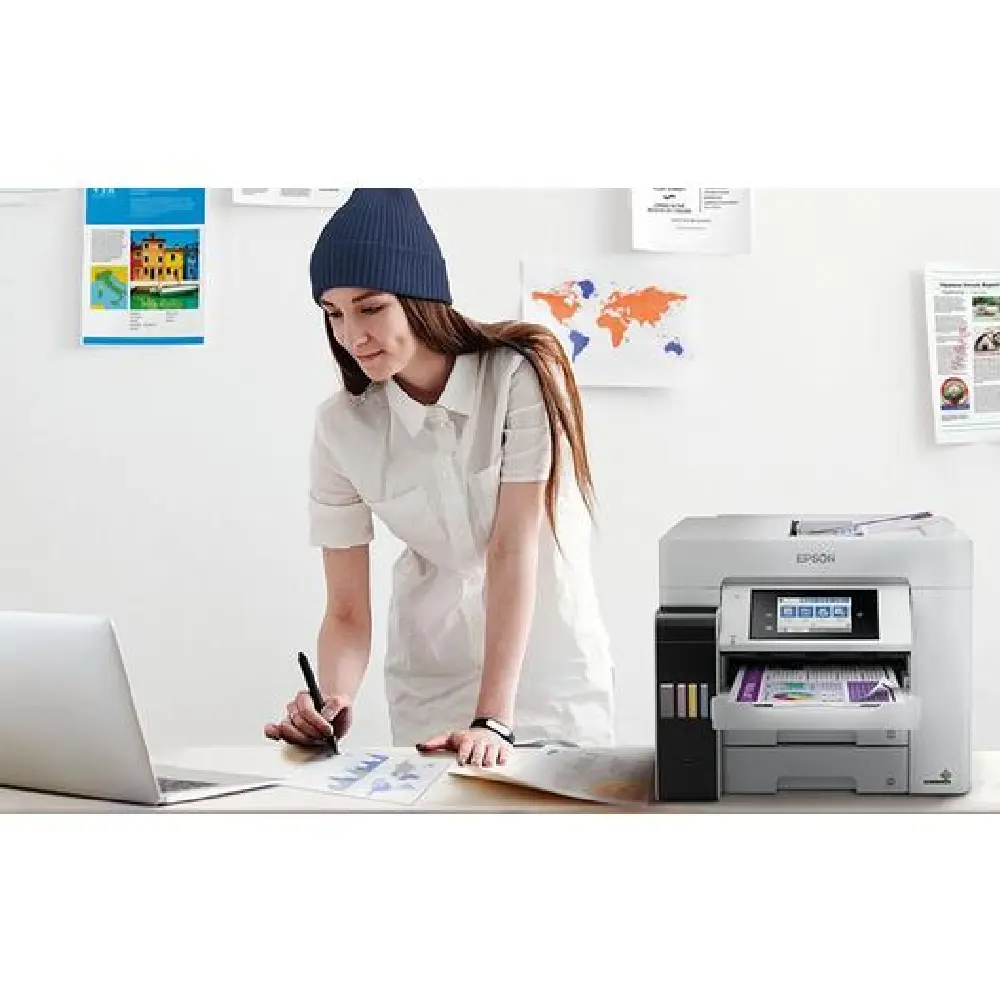
Fast business 4-in-1 colour ink tank printer with ultra-low-cost-per-page and an ultra-low total of ownership (TCO).
Print, scan, copy and fax with this easy-to-use EcoTank Pro Wi-Fi printer, that delivers an exceptionally low cost-per-page & reduces your energy consumption thanks
to Heat-Free PrecisionCore technology. A4 jobs can be accomplished quickly thanks to fast print & scan speeds, whilst two A4 250-sheet front trays, a 50-sheet rear feed, & a 50-sheet A4 ADF, ensures there is a high capacity of paper.
Overview
Epson Heat-Free Technology
Achieve high speed printing at lower power consumption with Epson Heat-Free Technology as no heat is required during the ink ejection process. Increase productivity for your business with Epson’s EcoTank L6580 while doing a little more for the environment.
Consistent High Speed Printing
With our PrecisionCore printhead technology, busy offices with high print volume will appreciate the consistent fast print speeds up to 32.0 ppm for draft and 25 ipm (simplex) for standard colour prints on L6580.
Low Power Consumption
Unlike laser printers, there is no fuser unit to heat, less power is consumed by L6580. Also, printer operating time and electricity consumption can be optimised as there are no delays caused by accumulated heat in the printhead.
Superb Savings & Page Yield
Don’t compromise on cost as you print. With L6580, you’ll be able to save costs as each set of bottle inks has an ultra-high yield of 7,500 for black and 6,000 pages for colour. With less consumables and replacement parts in L6580, additional savings can be made possible.
Less Maintenance with Decreased Downtime
Due to the simple Heat-Free structure, there are fewer parts that can fail, which minimises the amount of intervention required. As a result, it offers improved reliability and significantly reduced downtime.
Less Maintenance with Decreased Downtime
Due to the simple Heat-Free structure, there are fewer parts that can fail, which minimises the amount of intervention required. As a result, it offers improved reliability and significantly reduced downtime.
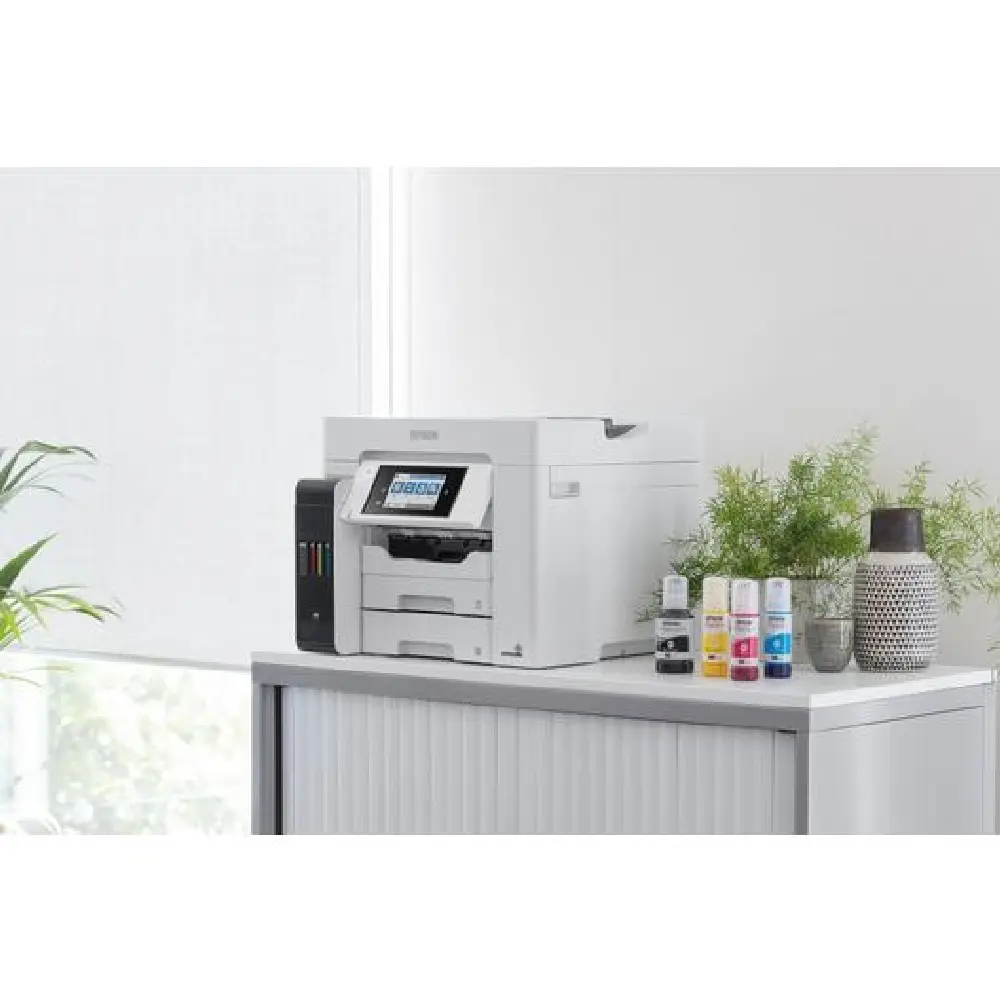
Space-saving Design, Spill-free Refilling
Compact and sleek, the new tank design is integrated into the printer to allow the printer to have a small footprint. Additionally, the unique bottle nozzle enables spill-free and error-free refilling.
Network Connectivity and Standalone Capability
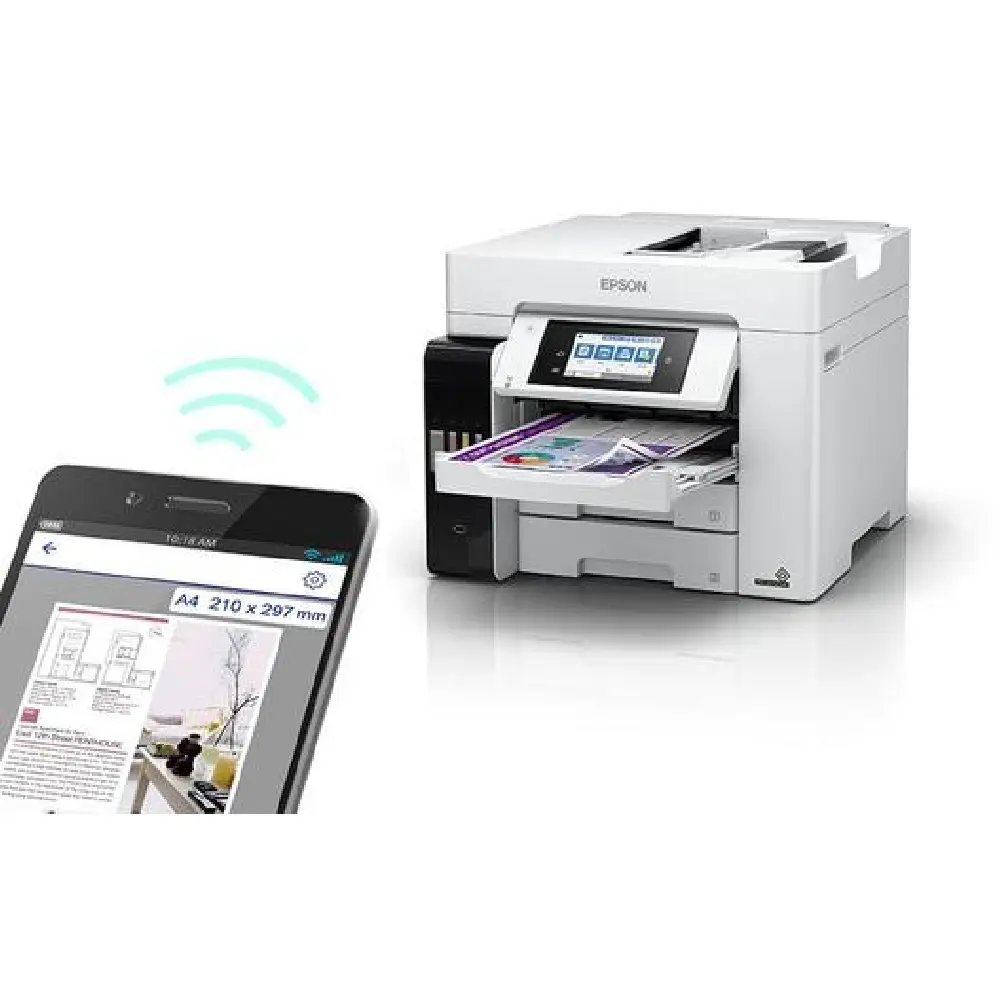
Besides being equipped with Ethernet, experience a world of wireless convenience with access to easy and flexible shared printing and mobile printing. The added advantage of Wi-Fi Direct allows you to connect up to 8 devices to the printer without a router.
Network Connectivity and Standalone Capability
Besides being equipped with Ethernet, experience a world of wireless convenience with access to easy and flexible shared printing and mobile printing. The added advantage of Wi-Fi Direct allows you to connect up to 8 devices to the printer without a router.
Epson iPrint
Print from and scan directly to your smart device or online cloud storage services.
Epson Email Print
Print to any Email Print-enabled Epson printer from any device or PC with email access.
Remote Print Driver
Print to a compatible Epson printer anywhere in the world via the Internet using a PC with Remote Print driver.
Scan to Cloud
With an internet connection, scan and send images to preset email addresses or an account of popular cloud storage services directly from an Epson printer’s control panel.
Multi-functional Printer
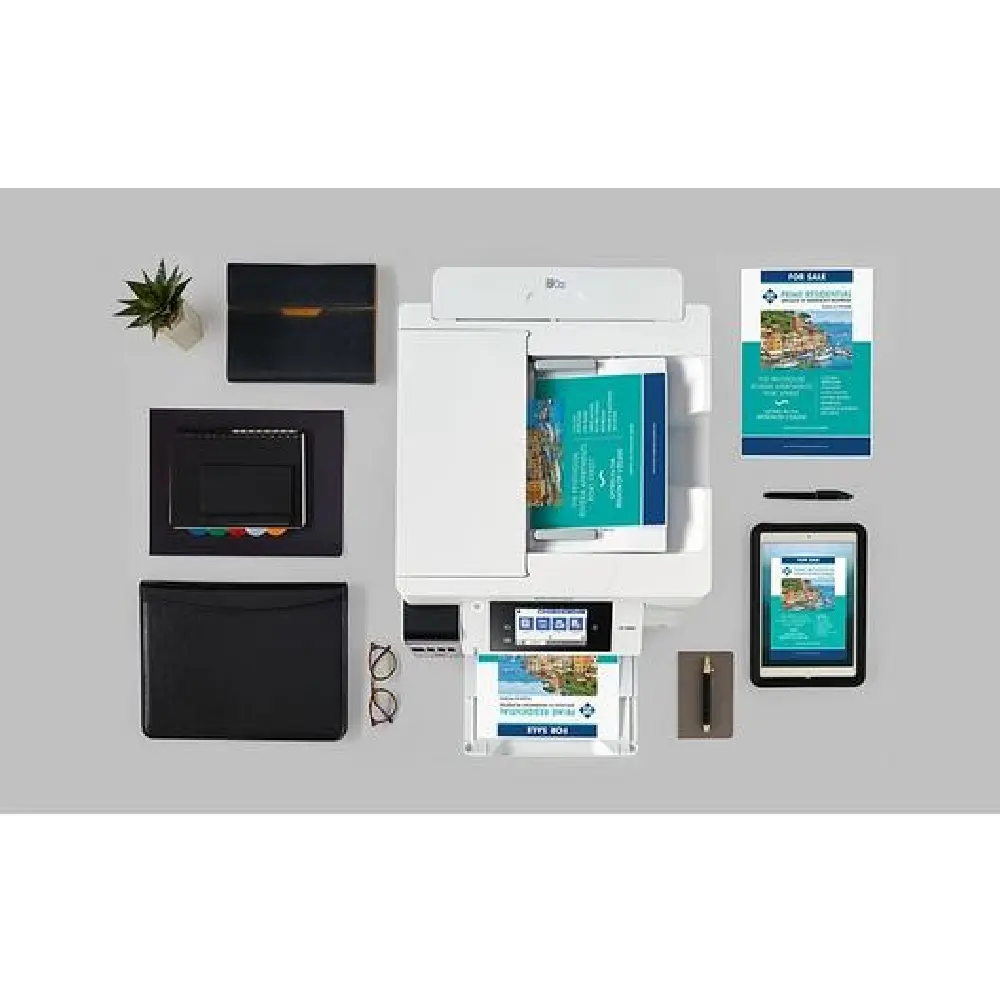
The all-in-one A4 printer L6580 gives users the added convenience of scan, copy and fax functions with a 50-sheet automatic document feeder.
Key Features
- Ultra-low cost, 4-in-1 A4 printer Economical ink tank system
- Fast print and scan speeds Print up to 25 ppm and scan up to 27.5 ipm
- Easy to use front ink tank Enjoy hassle and mess-free refills with enhanced ink bottles
- Mobile printing and connectivity Wi-Fi, Wi-Fi Direct, Ethernet & free mobile printing apps²
- Designed for business 2 x 250-sheet front tray, 50-sheet rear feed, 50-sheet ADF, PCL & PS3