
Schools today are evolving beyond traditional classrooms and conventional teaching methods. Technology is playing an increasingly important role in creating connected campuses, supporting teachers and improving the overall learning experience.
From interactive classrooms and digital learning platforms to document management and campus connectivity, smart school technology is transforming how educational institutions operate.
However, building a smart school is not simply about purchasing the latest devices. It requires the right combination of hardware, software, connectivity and support to create an effective and sustainable digital environment.
So, what does a modern school need to build an effective technology ecosystem? Here are seven essential areas to consider when planning Educational Technology Solutions and Smart Classroom Solutions.
1. Interactive Displays and Smart Classroom Solutions
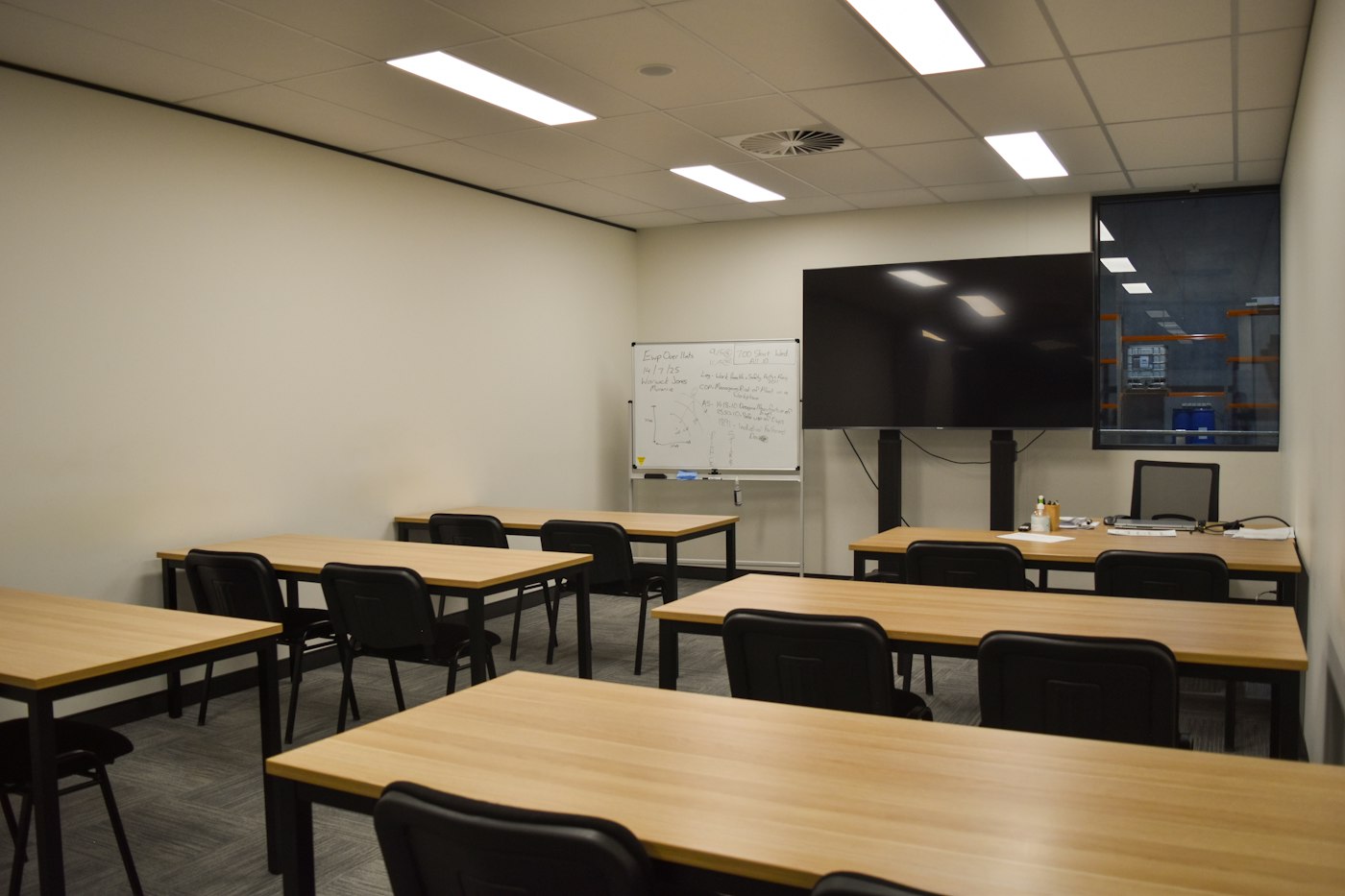
The modern classroom is moving beyond traditional whiteboards and projectors. Interactive technology allows teachers to present lessons dynamically, encourage student participation and create more collaborative learning experiences.
An interactive display provides a central digital platform where teachers and students can write, annotate, share content, display multimedia resources and collaborate during lessons.
When selecting interactive display solutions, schools should consider:
- High-resolution interactive displays.
- Multi-touch capabilities for collaborative learning.
- Wireless screen sharing for teachers and students.
- Integrated audio and video features.
- Compatibility with educational applications.
- OPS PC integration for enhanced computing capabilities.
An OPS PC (Open Pluggable Specification PC) is a compact computing module that fits into a compatible interactive display. It provides integrated computing without requiring a separate external desktop computer, helping create a more streamlined classroom setup.
The combination of interactive displays, OPS PCs, styluses and digital pens, wall mounts, mobile trolley stands, wireless casting devices, webcams, HDMI and USB-C cables, Wi-Fi and Bluetooth modules, and other connectivity solutions can help schools create connected, engaging and technology-enabled learning environments.
2. Smart Printing and Managed Print Services
Despite the growth of digital learning, printing remains an important part of school operations. Examinations, worksheets, learning resources, administrative documents and communication materials all require dependable printing infrastructure. However, managing multiple printers across departments can lead to unnecessary costs, inconsistent usage and maintenance challenges.
Managed print services can help schools improve control over their printing environment through:
- Centralised printer management.
- Monitoring of print volumes and usage.
- Cost control and resource optimisation.
- Secure printing and access management.
- Maintenance and consumables planning.
A well-planned printing environment supports everyday school activities while helping institutions manage resources more efficiently.
Smart printing solutions include multifunction printers, colour and monochrome printers, and printing accessories.
3. Document Scanning and Digital Document Management
Schools handle a large volume of documents, including student admission records, examination papers, certificates, financial documents and staff files. Professional document scanners help convert paper-based information into accessible digital records, making it easier to organise, retrieve and manage important information.
Key benefits of document scanning solutions include:
- High-volume document scanning.
- Faster administrative processing.
- Digital archiving and record management.
- Searchable PDF creation through OCR.
- Improved document accessibility and retrieval.
A well-planned document management process can reduce dependence on physical records and support more efficient administrative workflows.
Document scanning and digital document management solutions include high-speed document scanners, book scanners, overhead scanners and document management software.
4. Software and Digital Learning Solutions
Hardware alone cannot create a smart school. Software connects devices, teachers and students, enabling more effective teaching, collaboration and classroom management. Educational institutions require software that supports their academic objectives as well as their daily operations.
Key software requirements may include:
- Learning management and collaboration platforms.
- Classroom productivity applications.
- Content creation and presentation tools.
- Device and endpoint management software.
- Digital assessment and learning applications.
- Data storage and information management.
- Security and access management solutions.
The right software ecosystem helps schools make better use of their technology investments while supporting teachers in delivering engaging learning experiences.
Software solutions include licensed productivity software, PDF tools, OCR, document management and security solutions.
5. Computing Solutions and IT Accessories
Reliable computing devices are essential to the daily functioning of a modern school. Teachers need dependable devices for lesson preparation, presentations and digital collaboration. Students require access to suitable computing resources for research, assignments and digital learning activities. Administrative teams also depend on computers and accessories to manage everyday school operations.
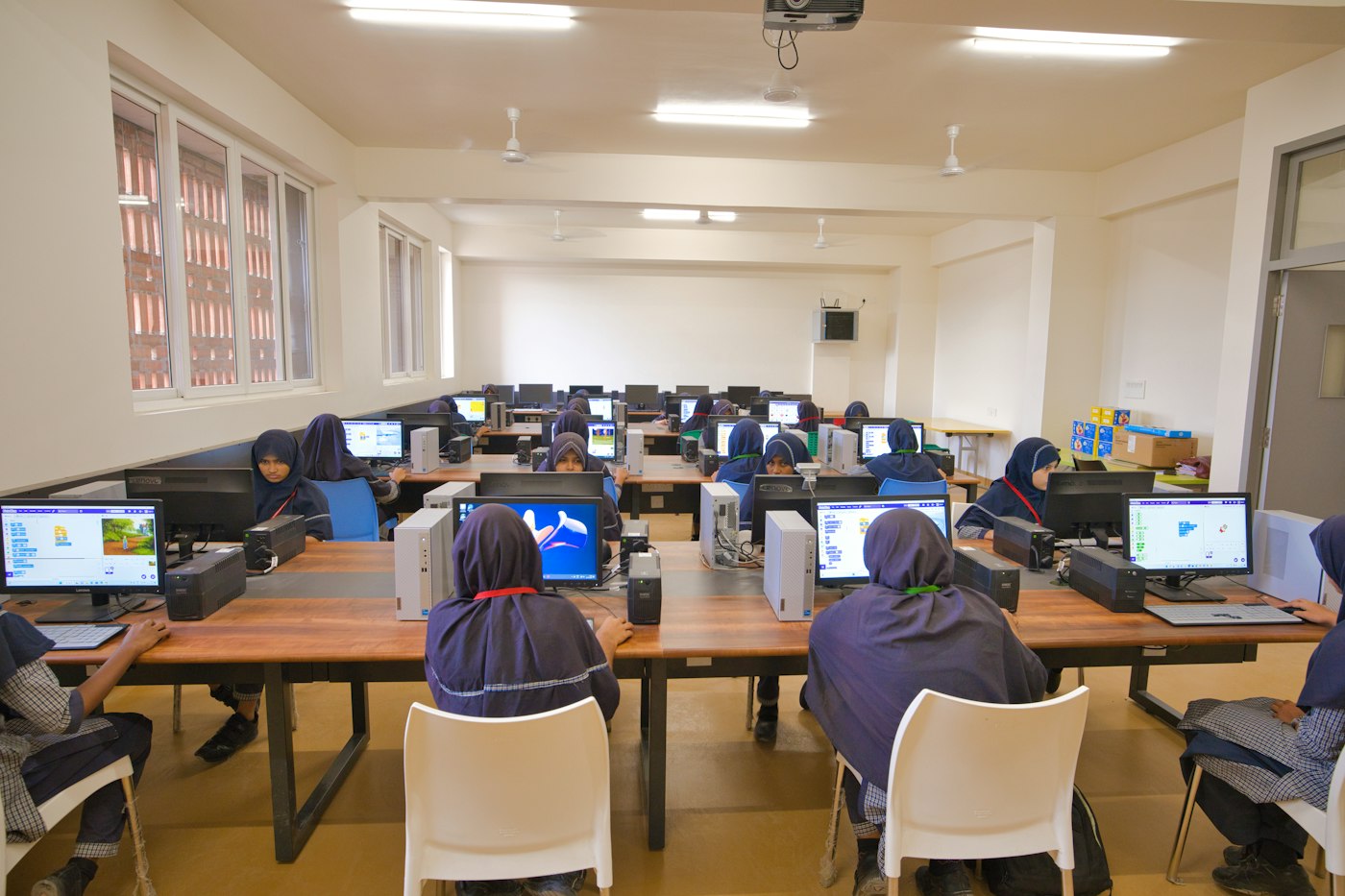
A complete computing solution for educational institutions may include:
- Laptops and desktop computers.
- Monitors and displays.
- Keyboards, mice and peripherals.
- Docking stations and connectivity accessories.
- Device charging and storage solutions.
- Protective cases and other IT accessories.
When planning computing infrastructure, schools should consider device performance, durability, compatibility, deployment requirements and budget. Choosing the right computing devices and accessories helps ensure that teachers, students and administrative teams have the tools they need to work effectively.
The foundations of productivity include computers, monitors, peripherals and essential IT accessories.
6. Audio-Visual Solutions for Modern Learning Spaces
Audio-visual technology plays an important role in creating engaging learning and communication environments. From school assemblies and presentations to conferences, training sessions and collaborative activities, AV solutions support communication across different areas of a campus.
Important solutions include:
- Professional displays and digital signage screens.
- Public address and audio systems.
- Projectors and presentation equipment.
- Video conferencing solutions.
- Interactive displays for meeting and learning spaces.
The right audio-visual setup can enhance presentations, support collaboration and improve communication throughout the school.
Audio-visual solutions for modern learning spaces include projectors, professional displays, microphones, speakers, video conferencing systems and digital signage.
7. Technical Support and Maintenance
A successful technology deployment does not end with installation. Schools need reliable technical support, maintenance and ongoing assistance to ensure that their technology continues to function effectively.
Important support considerations include:
- Technology consultation and solution planning.
- Installation and configuration.
- Device integration and deployment.
- Maintenance and troubleshooting.
- Product training and technical assistance.
- Upgrade and replacement planning.
Having the right support in place helps schools maintain technology performance and minimise disruption to everyday teaching and administrative activities.
Building a Future-Ready School
A smart school is not defined by the number of devices it owns, but by how effectively technology enhances teaching, learning and administration.
At Rookie Ninja, we believe the right technology creates better possibilities.
As a Value-Added IT Distributor serving the Middle East and Africa, we bring together solutions for smarter classrooms and connected campuses, from interactive displays and OPS solutions to printing, scanning, software, computing and IT accessories.
Where We Distribute
Rookie Ninja is an authorised IT distributor for Aztech, Brother, Canon, Colortrac, Contex, CZUR, Kodak, Uniview and ViewSonic in:
Middle East
- UAE
- Saudi Arabia
- Qatar
- Kuwait
- Oman
- Bahrain
- Jordan
- Lebanon
- Yemen
- Iraq
- Syria
- Iran
Africa
- Kenya
- Ethiopia
- Uganda
- Tanzania
- Rwanda
- Somalia
- Sudan
- Burundi
- Eritrea
- Mauritius
- Nigeria
- South Africa
- Zambia
- Angola
- Algeria
- Libya
- Liberia
- Ivory Coast
- Senegal
- Burkina Faso
- Congo
- Cameroon
Ready to build a smarter school?
Explore Rookie Ninja's technology portfolio and connect with our team to discover the right solutions for your institution.